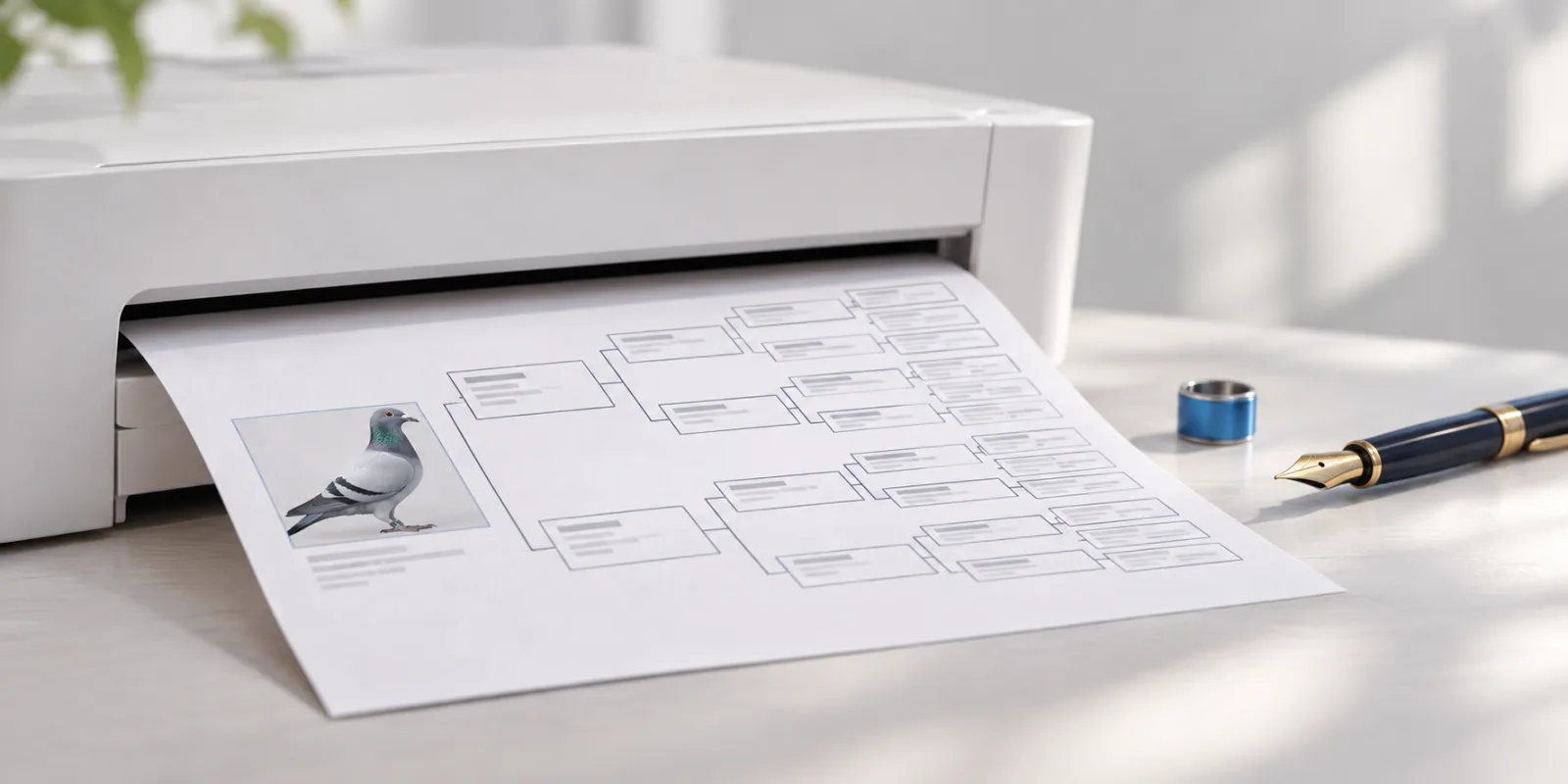
A good pedigree is a breeder's calling card. Buyers look at the ancestors and results first, and the price second. In Pigeclub you make a pedigree once and print it as often as you like.
What a pedigree should show
- The pigeon's ring number, with country and year.
- Sex, colour and name, if it has one.
- Parents, grandparents and great-grandparents, with their ring numbers.
- Race results of the best pigeons in the tree.
- Your details: name, town and contact.
Step by step
- Add the pigeon. Type its ring, or import its pedigree from a photo.
- Fill in the ancestors. Pigeclub suggests pigeons you already have by their ring.
- Add results and notes to the pigeons that deserve them.
- Choose a design and set your details.
- Choose Print. You can also save the pedigree as a PDF or PNG.
Print, PDF or PNG
- A printout goes with a pigeon you sell.
- A PDF is for email or messaging apps. It looks the same on every phone.
- A PNG is for a sale listing or Facebook.
Tips
- Check the ring numbers before printing. A wrong ring on an ancestor is hard to explain to a buyer.
- List only the best results for the ancestors. A lo