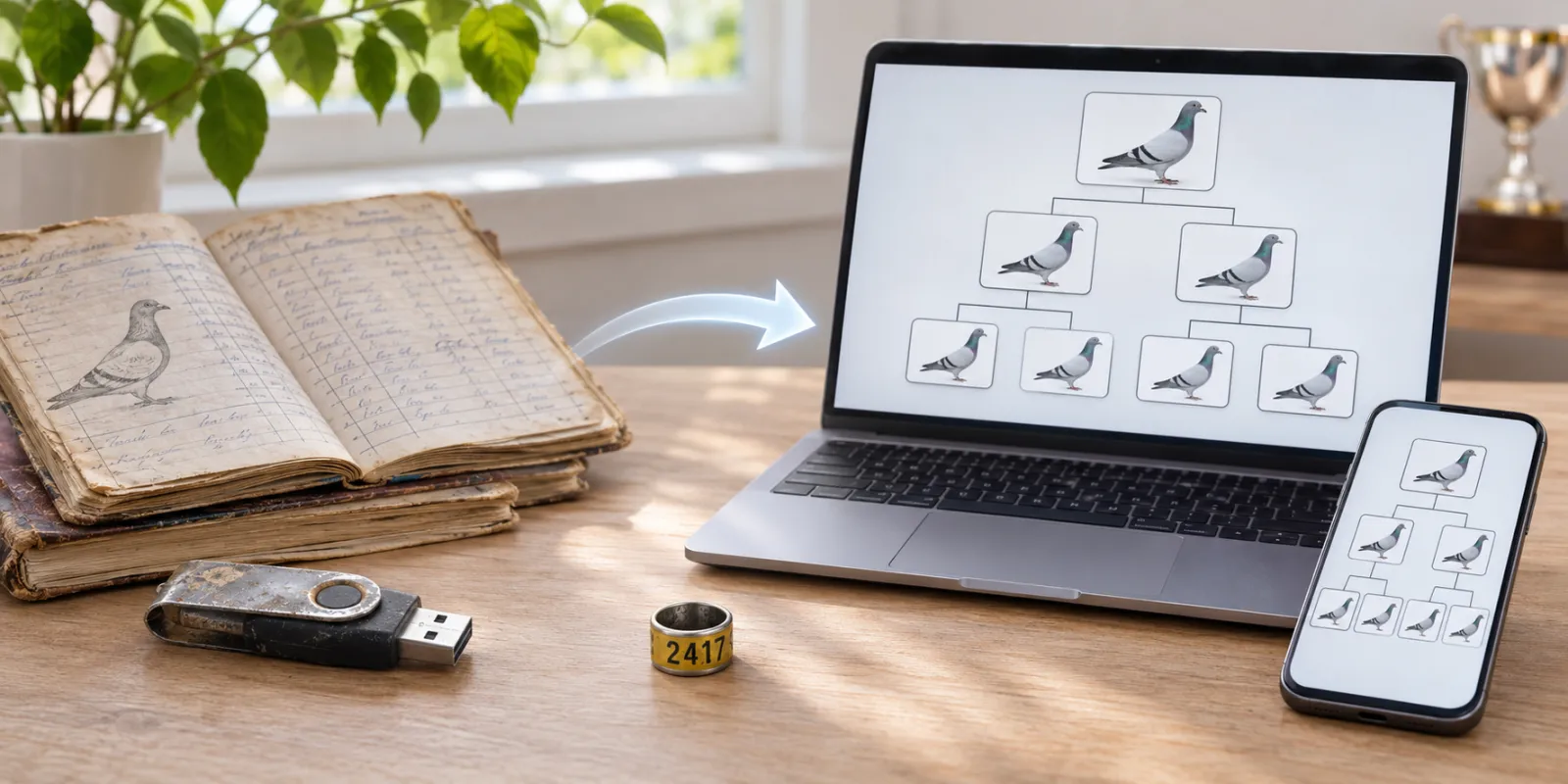
Many breeders have years of work in Hodowla 2000: thousands of pigeons and their ancestry. You don't need to retype any of it. Pigeclub moves those pigeons for you.
What moves
Pigeons with their ring numbers, sex, colour and parents. The pedigree tree looks the same as in the old program.
Step by step
- Open Pigeclub on the computer where you have Hodowla 2000.
- Pigeclub looks for the old program by itself.
- When it finds your pigeons, choose the databases to move.
- Choose Move.
Is the old program on a USB drive? Connect it and Pigeclub finds it. If it doesn't, choose the database file ending in .abs.
After the move
Pigeclub shows how many pigeons it added.
- Already recorded: you already had this pigeon. It won't appear twice.
- In review: something doesn't match, for example a different colour on the same ring. Look through these pigeons once and you're done.
- Skipped: records without a valid ring number.
Hodowla 2000 stays on your computer unchanged. You can keep using it.
What next
Pigeclub also works on your phone and in the browser. Import new pedigrees from a photo, and print them or save them as a PDF.
Have pigeons in Moja Ewidencja Gołębi? See how to move them.